Christmas event ideas for tycoon and shop games
A practical plan for a Christmas event in a tycoon or shop game: pick a size you can ship, add mechanics that reuse your loop, and keep a decorated 32px room easy to read.
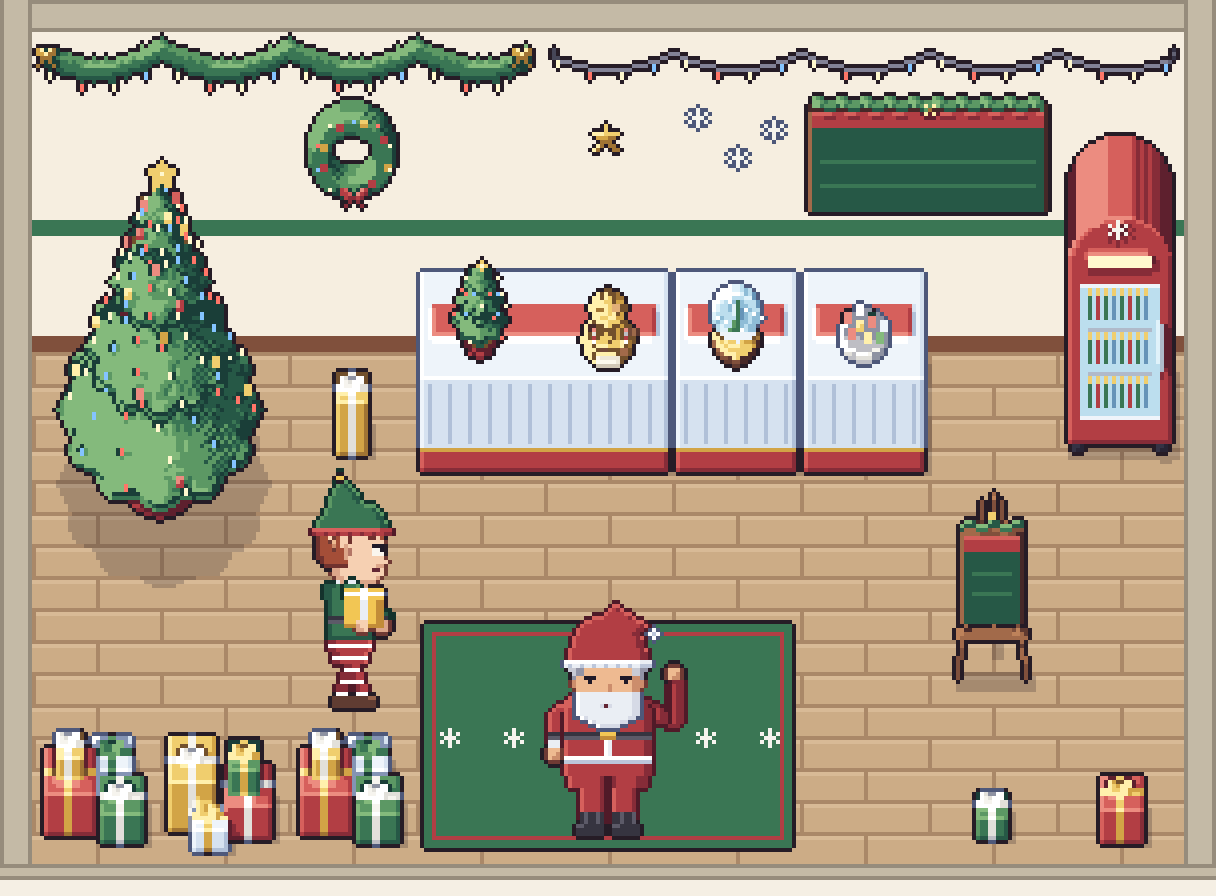
A Christmas event is one of the few updates players expect without being asked. A management game has an advantage here. Your players already look at the same rooms every day, so a garland over the door or a tree in the corner is noticed in the first second. The hard part is not the idea. It is choosing an event you can finish before the holidays, and keeping a busy, decorated room readable.
Here is the plan we would follow for a tycoon, cosy shop or hospital game: what size of event to commit to, mechanics that reuse your loop, what to change on screen first, and how to decorate a 32px top-down room without burying the gameplay.
Why a holiday event is worth the time
The games agency IMPRESS looked at indie Christmas updates and noted that developers usually release a holiday patch towards the end of December, when players and creators are looking for something to play, and that new content gives lapsed players a reason to come back. Meta's developer blog makes a similar point for live games: a healthy live service runs events or sales every 2–4 weeks, and events tied to holidays bring the biggest spikes. That is vendor guidance rather than a law, but it matches what most of us see on our own stores in December.
You don't need a live service to benefit: even a one-off update gives you a new screenshot and a reason to post a devlog.
Pick the size you can actually ship
Decide the scope before you open the art folder. Three sizes work well for management games:
- The festive skin. Decorations in your existing rooms, staff in Santa hats, a seasonal sign. No new rules. This is the version you can still ship if everything else slips.
- The small event. The skin, plus one new rule that runs for a fixed number of days: a seasonal product, a gift order type, or a visiting character.
- The full event. A temporary currency, a reward shop and a schedule. IMPRESS describes how the tavern game Travellers Rest did this: players earned tickets for serving drinks and dishes and traded them for exclusive decorations, while the tavern's guests wore holiday clothes.
Build tier 1 first, whatever you plan. If tier 2 or 3 runs late, you still have an update.
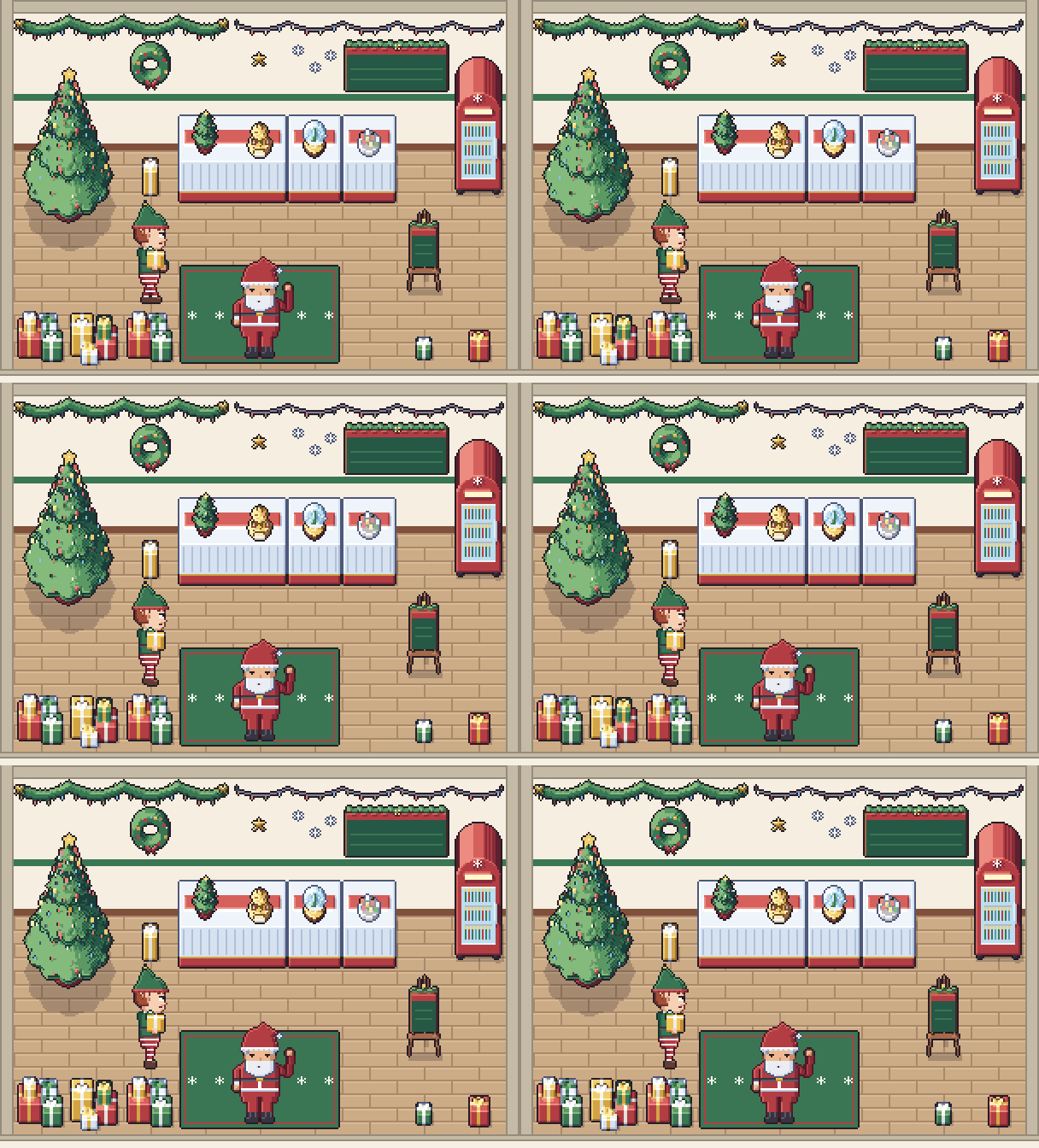
Event mechanics that reuse your loop
The best seasonal mechanics bend a system you already have instead of adding a new one. A few that fit shops, cafés and hospitals:
A seasonal product with its own demand
Add one limited item, such as a festive drink in a cooler by the counter or a gift box on a display table. Give it higher demand early in the event and lower demand after the 25th. Players will rearrange their shop around it, which is exactly the behaviour a tycoon game wants.
Gift orders that pile up
Let some customers ask for a wrapped gift instead of their usual order. Show progress in the room rather than in a menu: a small gift pile under the tree that grows into a large one as orders are filled. Visible progress in the world is easier to read than a bar in the corner.
Lights as a countdown
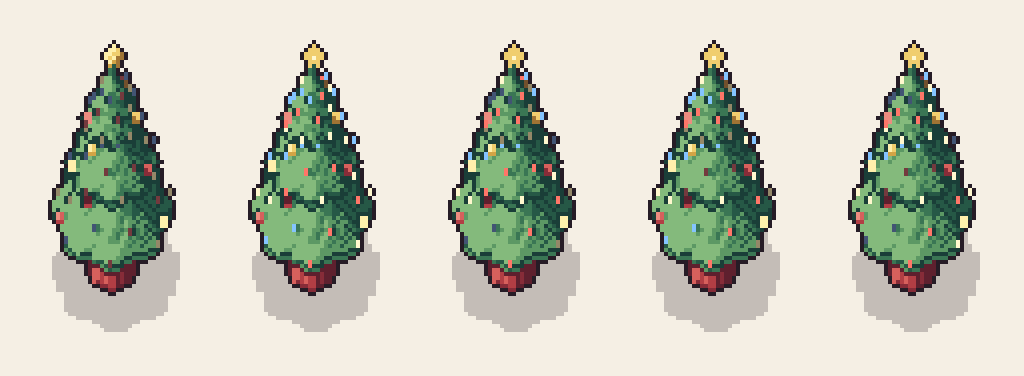
Lights give you a progress meter for free. Start the event with the strings hung but dark, switch them on when the player hits the first goal, and let them twinkle for the final days. Run every light on the same clock, so a long run along the wall twinkles as one.
A visitor for a day
A visiting character is a cheap way to make a day feel special. Santa can sit in your waiting area and greet customers; an elf can walk between the stockroom and the counter carrying gifts. Plan around what the character can do on screen. Our Santa and elf, for example, wave and talk facing the camera only and have no animation for handing a gift over, so a delivery is best shown as the elf arriving at a counter and the gift appearing on it.
Daily themes, advent style
IMPRESS also points to Tiny Glade, which added daily festive themes in the run-up to Christmas. For a shop game, that can be as simple as one decoration unlocking per day, or one daily customer request with a festive twist.
Decorations as rewards
If you go for the full event, decorations are a natural reward because players can see them every day. Give them a small gameplay value, such as customer mood or appeal, so they are worth placing and not just collecting.
What to change on screen first
When a player opens the game after the update, they should see the change before they read anything. In a top-down room, these spots are seen first, in roughly this order:
- The top of the back wall. A garland or a string of lights running the length of the wall changes the whole room at once.
- The entrance. Swap the doormat for a snowy one. It tells the player it is cold outside without drawing a single outdoor tile.
- The staff. A Santa hat or a knitted jumper on the people the player watches all day.
- One focal object. A tree in a corner, with gifts at its foot.
- The counter. Small items: a tabletop tree, a snow globe, a bowl of baubles.
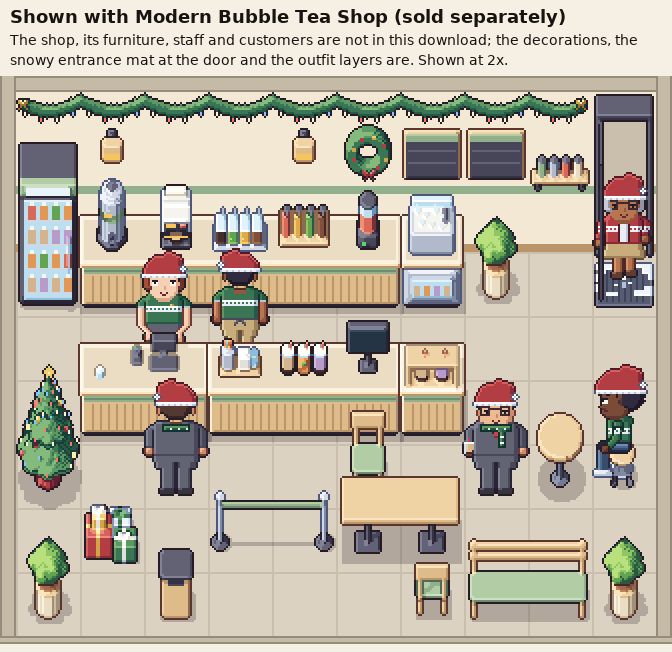
Keep a decorated room readable at 32px
Festive art adds detail and saturated colour, which is exactly what makes a small room hard to read. A few rules keep the gameplay on top:
- Hang garlands high. Keep strings and garlands in a band at the very top of the wall face. Clocks, menu boards and posters live lower down, and the two layers no longer fight.
- One wall item per wall tile. A wreath and a menu board on the same tile turn into one blob. Give each its own tile, and hang a wreath beside a door, never on it.
- Keep paths and use spots clear. Trees go in corners, gift piles against walls. Never put a decoration on the tile where a customer queues or a worker stands.
- Let the characters be the loudest thing. If the decorations are brighter than the people, players lose track of who is waiting. That is why we keep our festive palette muted.
- Limit what blinks. Twinkling lights compete with gameplay signals such as an order-ready icon. Twinkle the main tree and one run of lights; leave the rest steadily on.
- Use blank signs for event text. A standing easel sign or a menu board is the in-world place for "Holiday menu" or "Gift orders today", in your own font and language.
For more on keeping a room readable in general, see our layout rules for top-down interiors.
Hospitals and other serious settings
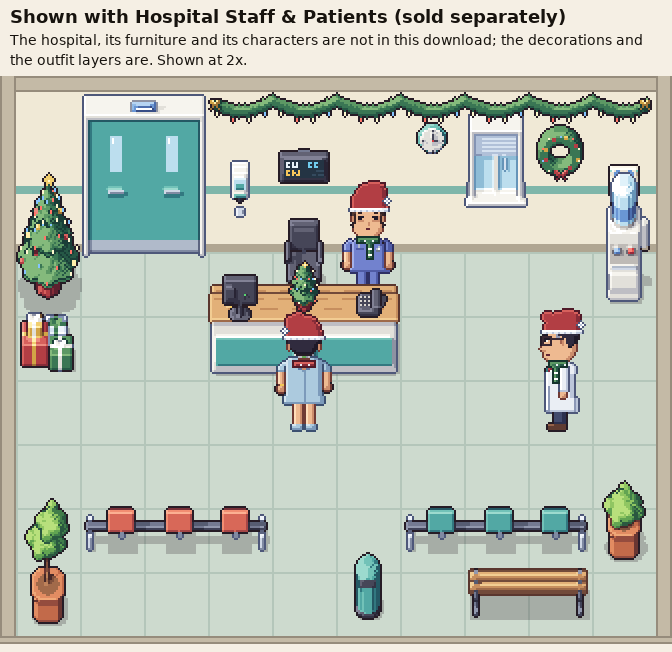
Not every management game is a cosy shop. A hospital can still celebrate without making light of its patients: decorate the reception and the waiting area, put hats on the staff, and keep the treatment rooms as they are. A "holiday shift" with fewer staff and more walk-ins is a mechanic players understand at once.
Ending the event, and next year
Put the end date in the game, not only in your devlog, and tell players what happens to their decorations. Letting them keep one item is a cheap way to end on goodwill. Meta's guidance also suggests that players appreciate a break: activity dips at predictable times, so a quiet January after the event is fine.
Finally, build the event as a switch. Keep the festive layer separate from the base rooms and outfits, so next December it is a toggle and a few new items, not a second project. If your characters wear outfit layers on top of their base frames, draw order matters; our post on drawing characters behind counters and in chairs covers the order we use.
Checklist
- Tier 1 (decorations, hats, sign) finished before anything else.
- One new rule at most for a small event, with a fixed start and end date.
- Back wall, entrance and staff changed first.
- Paths, queue spots and work spots free of decorations.
- Only the main pieces twinkle, all on one clock.
- Event text on in-world signs, in your own font.
- A clear ending, and the festive layer kept as a switch for next year.
All pictures in this post use our Modern Christmas Decorations pack: decorations, a small festive room kit, Santa and an elf, plus outfit layers for the characters of our shop packs. The decorations work in any 32px top-down room with the same camera, and the outfit layers dress the staff and customers of our bubble tea shop, convenience store and hospital packs (sold separately), so your Christmas update is placing, not drawing.
More from the blog
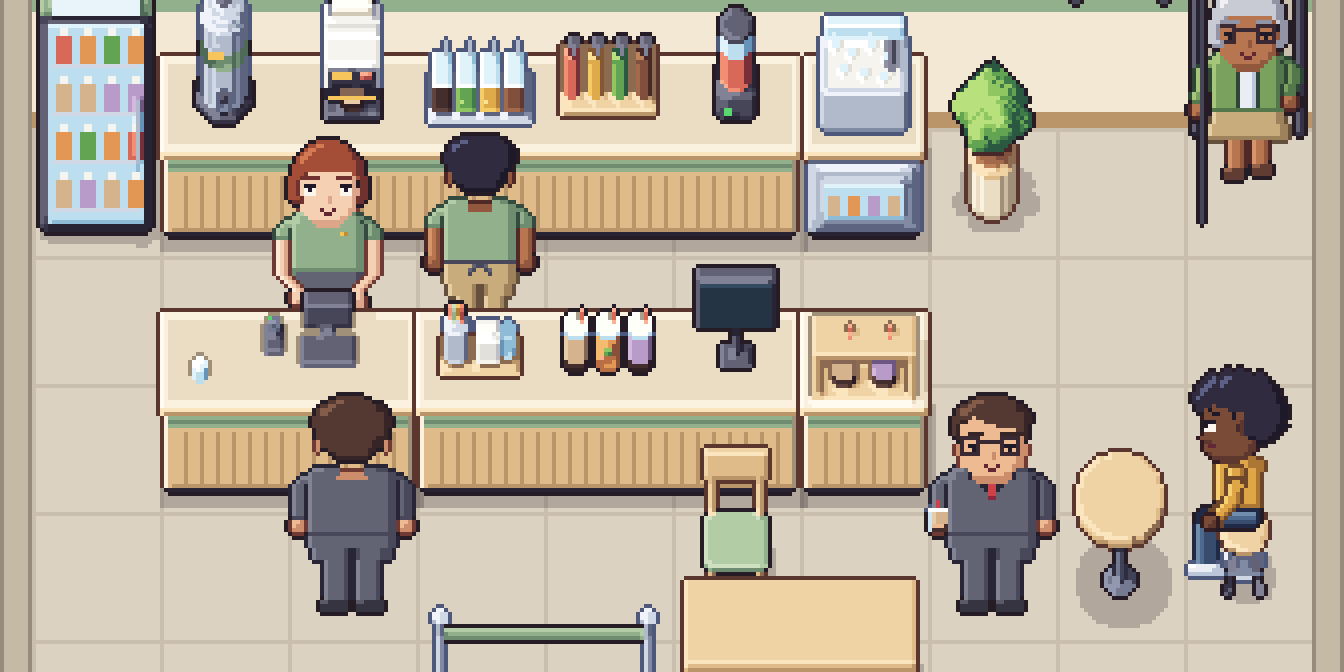
Vibe coding a game? Spend your tokens on code, not art
The code is the quick part now. Here is what the art for one small shop game really adds up to, and why a finished $1.99 pack beats spending your tokens on it.
Read the post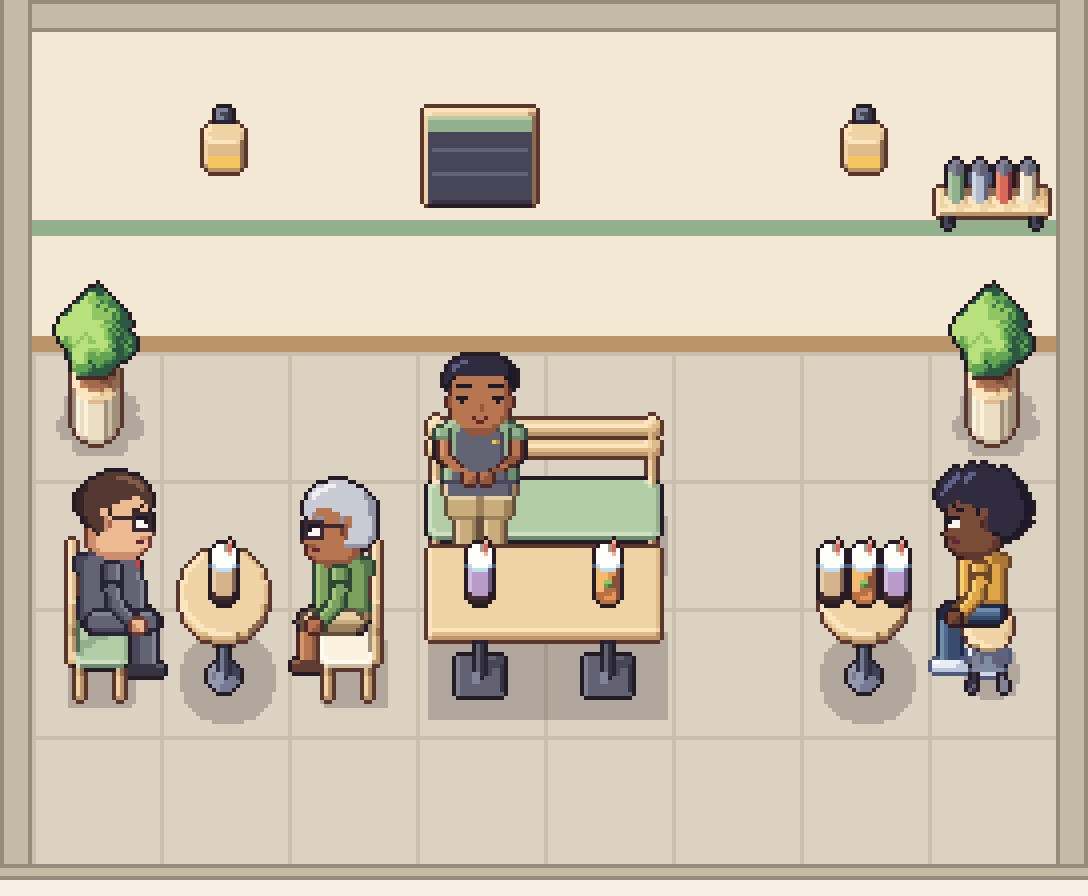
Y-sorting in top-down games: chairs, counters and overlays
Y-sorting handles walking past furniture, but not sitting in it. Where to put the sort point, why seats break the rule, and the front-overlay draw order that works in every direction.
Read the post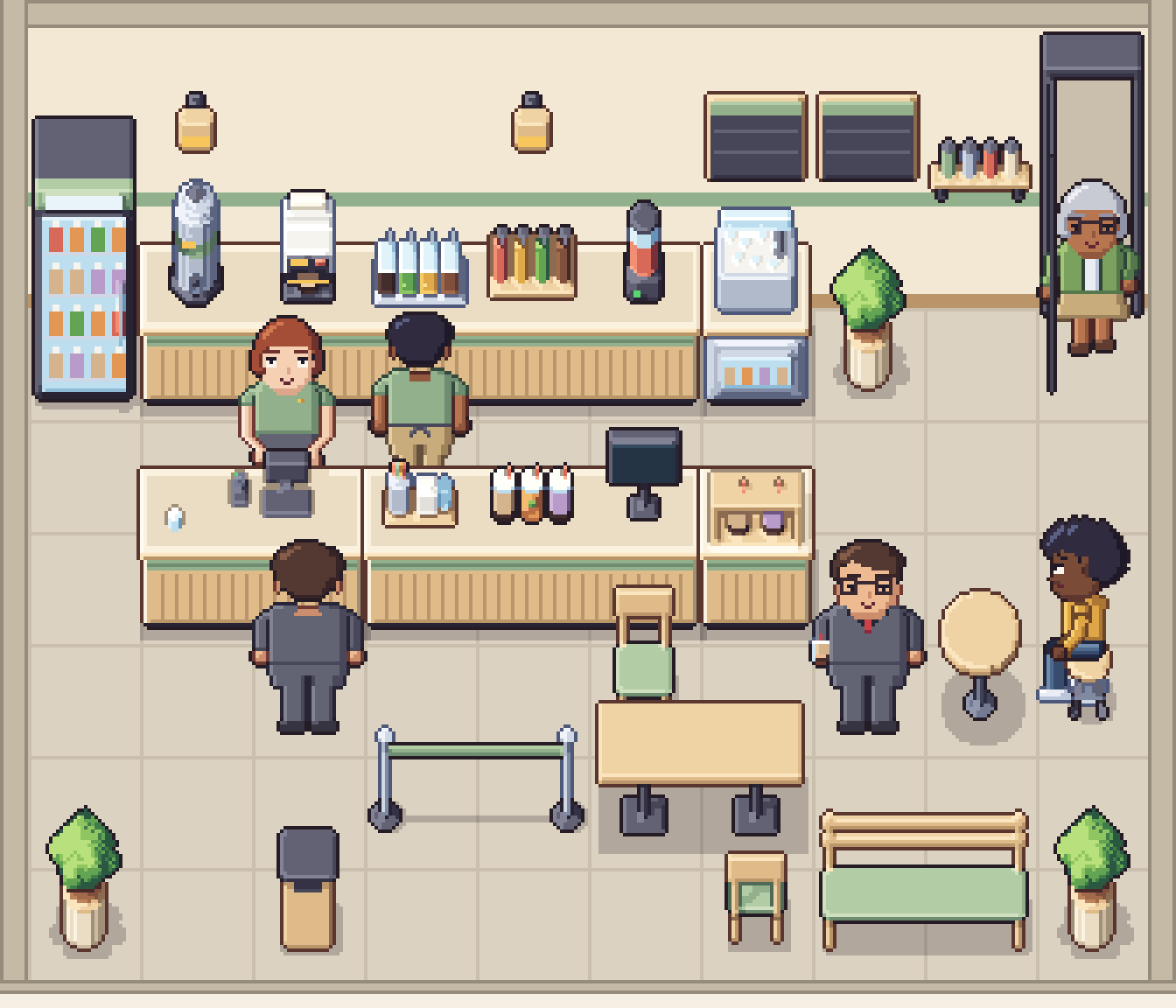
Cafe game design: the order-to-pickup customer flow
Every cafe game runs on one loop: arrive, order, wait, collect, sit, leave. How to turn that loop into states, lay the shop out as a path, and show every step without a single menu.
Read the post